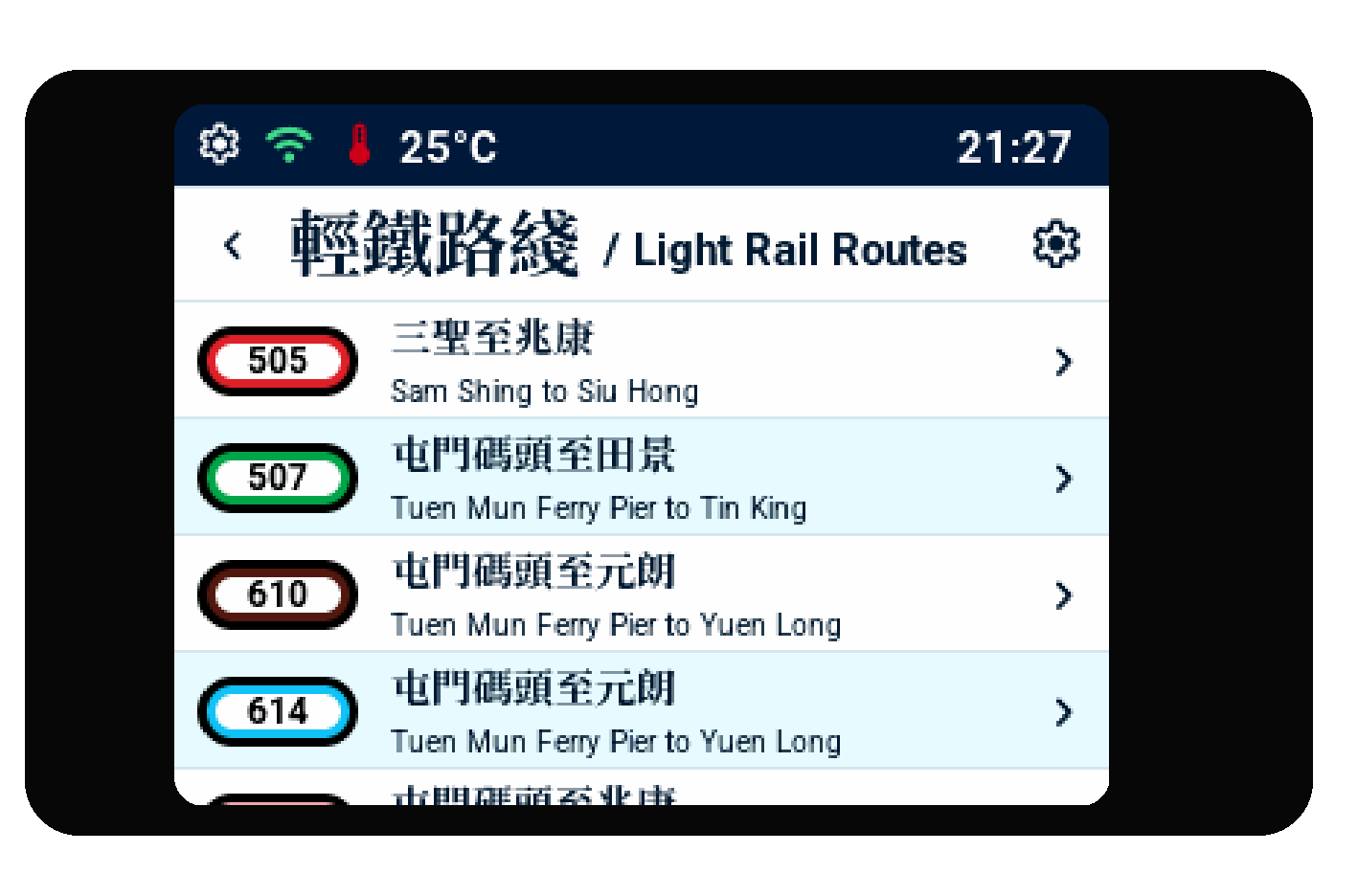
Choose your railway
Select Heavy Rail or Light Rail, then choose the line, route, station, or stop.
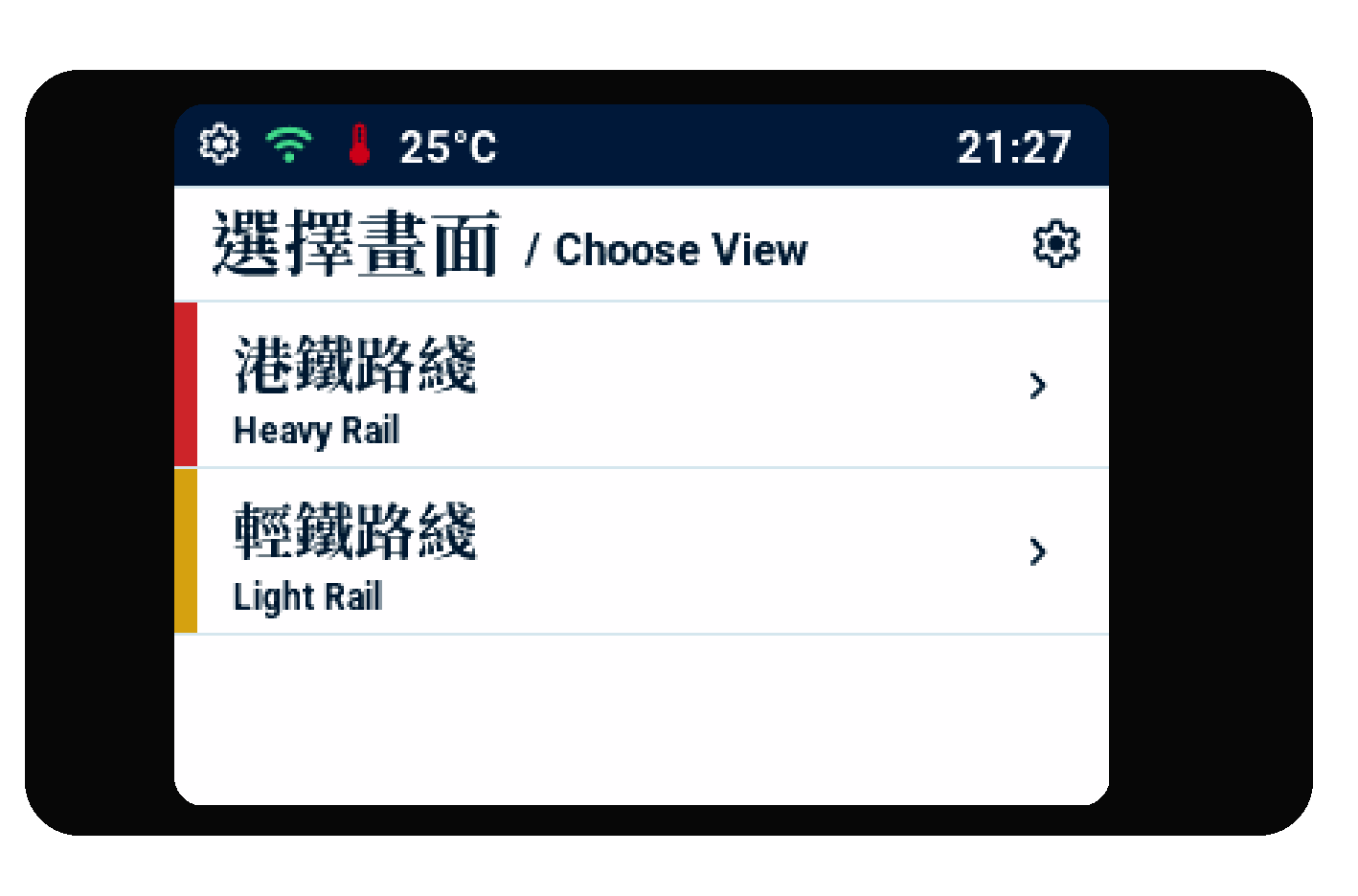
Select Heavy Rail or Light Rail from the main chooser.
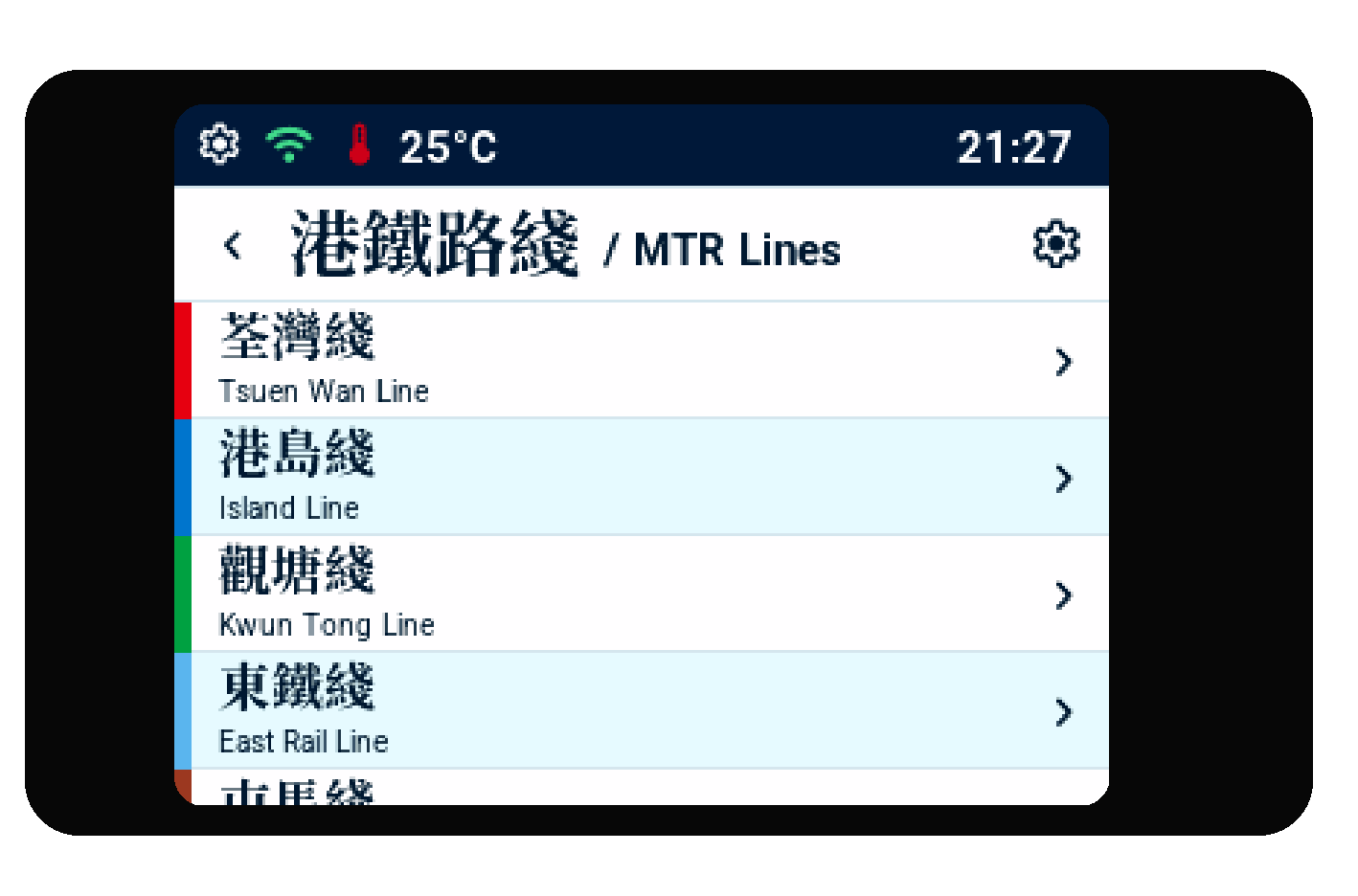
Heavy Rail
- Select Heavy Rail.
- Select the railway line.
- Select the station.
- Review the arrival board.
Show the direction you need
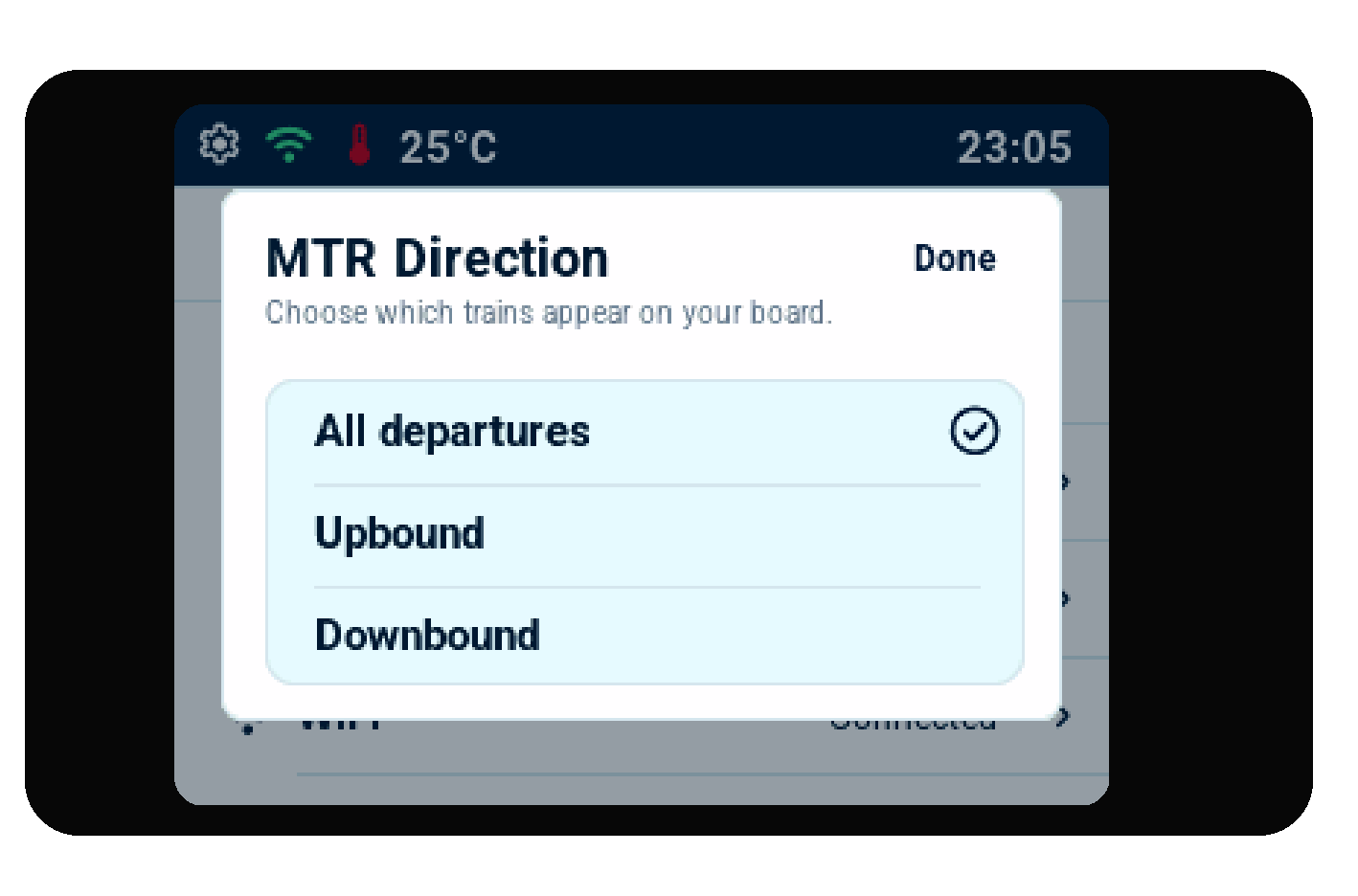
Open Settings and select MTR Direction. Choose All departures, Upbound, or Downbound to decide which Heavy Rail trains appear on your arrival board. This setting does not change Light Rail arrivals.
Light Rail
- Select Light Rail.
- Select the route number.
- Select the stop.
- Review the arrival board. The car drawings are explained in Read the arrival display.