
Help
Simple checks for power, Wi-Fi, arrival information, and the display.
Display stays black
Try a known-good cable and stable 5 V power supply. Restart the display, then wait a few seconds. Touch the screen in case Auto Sleep is active: it dims after 5 minutes without touch and turns the backlight off after 30 minutes.
No Wi-Fi networks or connection failed
Tap Scan, move closer to the router, and re-enter the password. Use a 2.4 GHz network. Networks that ask you to sign in on a phone browser cannot be used.
No arrival information
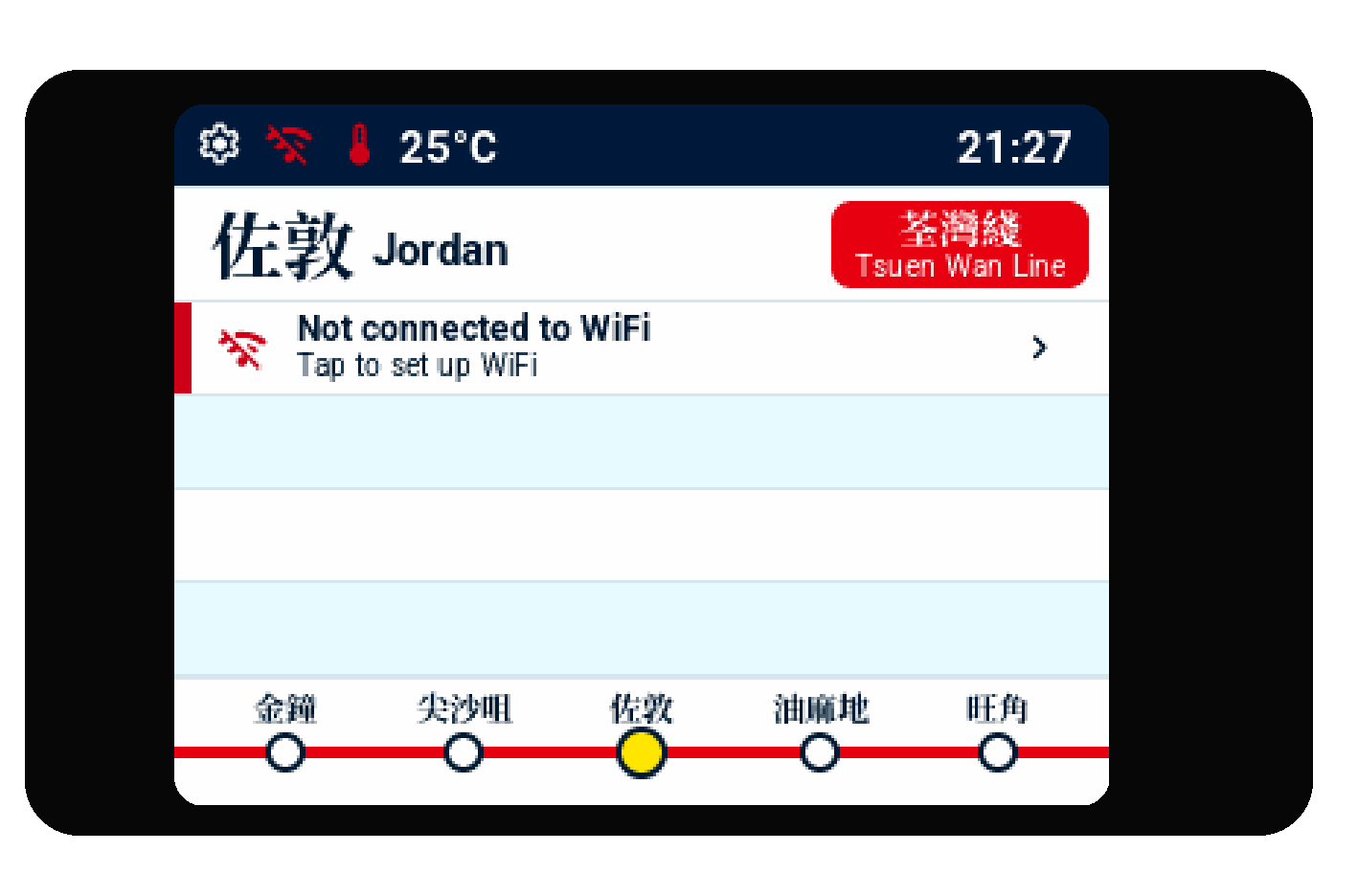
Check that the Wi-Fi icon is green. If it is connected, the service may be unavailable or the selected station may have no upcoming arrivals. The display keeps trying. Use official information and local notices for travel decisions.
Clock or temperature missing
After Wi-Fi connects, the time and any available weather information can take a short time to refresh.
Update check failed
Check that the display is online, then retry on a normal home network or phone hotspot. Keep power connected, open Settings → Update, and try again. If you see Update failed, select Done and retry.
Need more help?
Visit 9buildhk.com for product assistance. For arrival and travel decisions, always check official channels and on-site announcements.